新闻资讯
基于 WebGL 架构的 3D 可视化平台—三维设备管理(ThingJS 实现设备管理 3D 可视化)
- 0次
- 2021-09-03 10:40:28
- idczone
国内高层建筑不断兴建,它的特点是高度高、层数多、体量大。面积可达几万平方米到几十万平方米。这些建筑都是一个个庞然大物,高高的耸立在地面上,这是它的外观,而随之带来的内部的建筑设备也是大量的。为了提高设备利用率,合理地使用能源,加强对建筑设备状态的监视等,自然地就提出了楼宇自动化控制系统。下面我们将用 ThingJS 平台来模拟一个设备管理系统。
第一步,利用 CampusBuilder 搭建模拟场景。CampusBuilder 的模型库有各种各样的模型,使我们搭建出的场景更逼真。使用 CampusBuilde 创建层级,之后再给层级加外立面就出现了当前的效果。详情移步:CampusBuilder3D 场景制作工具
先看结果:演示地址
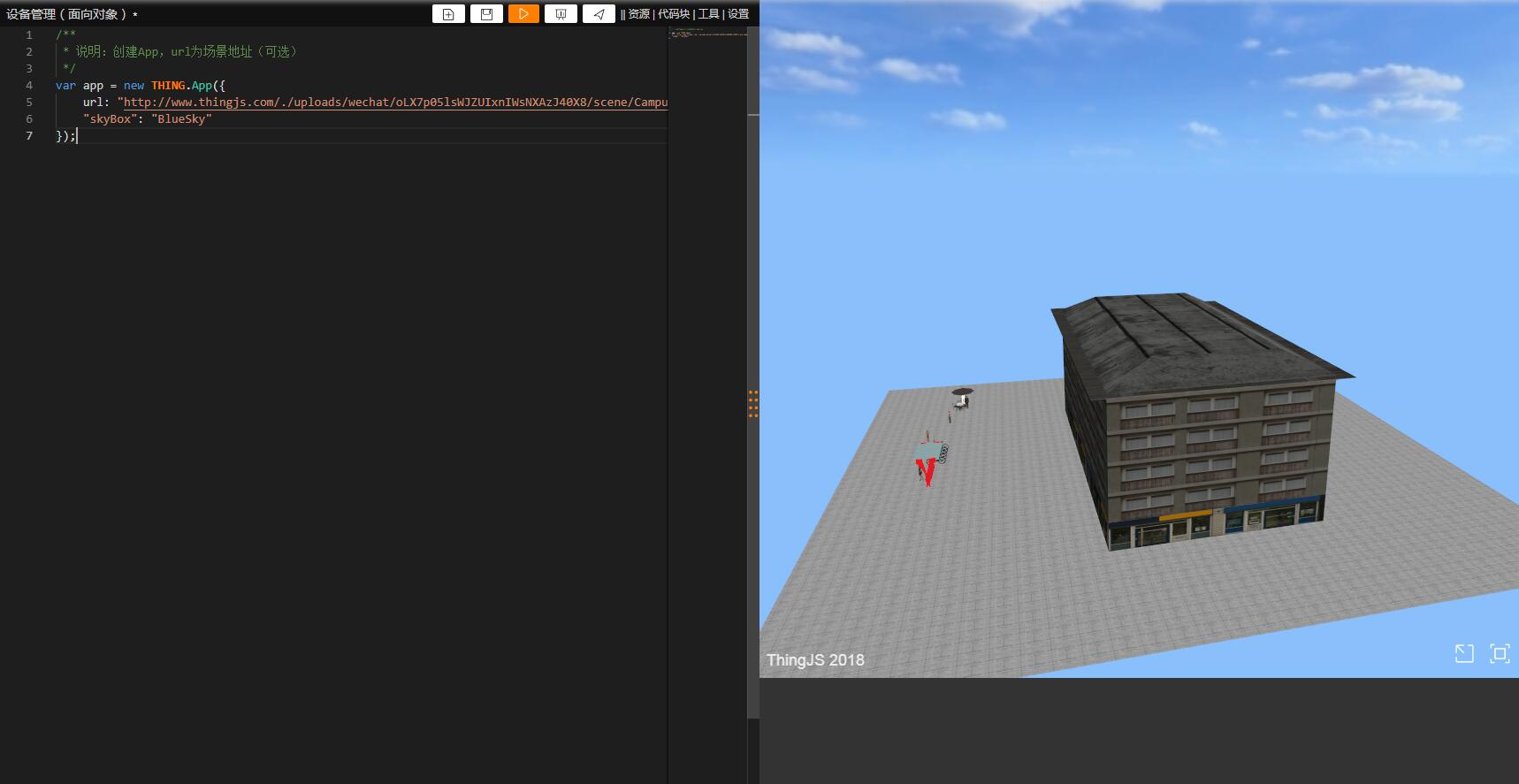
第二步,创建 Equipment 类,这里创建。switchControl 方法主要一个完成一个计时器的功能来模拟设备警报。
class Equipment extends THING.Thing {
    constructor(app, name, obj, url) {
        super(app);
        this.name = name;
        this.obj = obj;
        this.url = url;
        this.interval = null;
        this.localPosition = [Math.floor(Math.random() * 7), 2.9, Math.floor(Math.random() * 7)];
    }
    createSelf() {
        app.create({
            type: 'Equipment',
            name: this.name,
            url: this.url,
            parent: this.obj,
            localPosition: this.localPosition,
            angle: 0
        });
    }
    switchControl(ev) {
        var flag;
        var equipment = app.query(this.name)[0];
        app.level.change(equipment);
        if (ev) {
            this.interval = setInterval(function () {
                if (flag) {
                    equipment.style.color = '#FF0000';
                    flag = false;
                } else {
                    flag = true;
                    equipment.style.color = '';
                }
            }, 500);
            console.log(this.interval + "查看是否创建了定时器");
        } else {
            console.log(this.interval);
            clearInterval(this.interval);
            if (equipment.style.color == '#FF0000')
                equipment.style.color = '';
        }
    }
}
THING.factory.registerClass('Equipment', Equipment);
眼花了下还以为是 three.js
哈哈哈 像写 jq 一样写 three.js
不错的思路,可惜没有场景优化,模型大了之后比较慢。
这个是不是可以应用到服务器监控上面,监测硬盘状态,网卡状态,web 服务状态等,实现可视化,这个收费是怎么收费?
这只是简单演示,大场景是要动态加载的
对,公司最开始就是做数据中心可视化的,thingjs 是基于 three.js 分装,让没有 three.js 工程师的公司也能像写 js 一样做 3D 可视化,专门的数据中心可视化产品介绍可以看这个链接:[数据中心可视化]( http://www.uinnova.cn/product/tarsier/ovc/dcv)